

Remote work time tracking helps employees record all hours actually worked, including work performed outside the approved schedule. For a covered, nonexempt employee, working from home does not remove federal wage-and-hour protections. The U.S. Department of Labor says employers must pay for compensable work performed at home or elsewhere away from the workplace, including work the employer suffers or permits.
Remote work time tracking: what employees should record
The Fair Labor Standards Act (FLSA) generally requires covered, nonexempt employees to receive at least the minimum wage and overtime pay for hours worked over 40 in a fixed workweek. That general rule applies to work done remotely as well as work done at an employer’s site. The employer must keep accurate time records, and the DOL does not require one specific timekeeping form.
Employers can track remote hourly work with a time clock, a timesheet, or another complete and accurate method. The essential record is not a computer-activity score. It is a reliable account of when work began and ended, qualifying breaks, additional work, and the workweek total. Employers should make the reporting method clear and review reported time without discouraging employees from recording all work.
What a remote employee timesheet should capture
- Work date and workweek. Record the date and apply the employer’s fixed seven-day workweek. Do not assume a biweekly pay period is the overtime period.
- Actual start and stop times. Record when work starts and ends, including work performed before a scheduled shift or after clock-out.
- Meal periods and breaks. Note when a break began and ended, and whether the employee was fully relieved from duty. Under federal guidance, short rest breaks are generally work time; a bona fide meal period is generally unpaid only when the employee is completely relieved.
- Meetings and assigned tasks. Include required calls, training, messaging, paperwork, and other work, even when completed at home or on a mobile device.
- Extra or interrupted work. Record an after-hours request, a call during lunch, or a missed punch through the employer’s correction process. Do not silently replace actual time with the planned schedule.
- Work location when it matters. For employees who travel or work in more than one state, note where work was physically performed so the employer can review applicable state or local requirements.
The record should preserve time accurately enough for payroll to apply the correct workweek and rate. If a remote employee’s local time zone differs from payroll’s, the employer should document which time zone the time entries use and keep the conversion consistent.
After-hours messages and overtime when working from home
Work does not stop being work because it happens by email, chat, or video call. If a nonexempt employee performs work beyond the scheduled shift and the employer knows or has reason to know that work is being done, the time may be compensable under the FLSA. An approval rule can govern whether extra work is authorized, but a rule against overtime does not by itself erase compensable work that was performed and allowed.
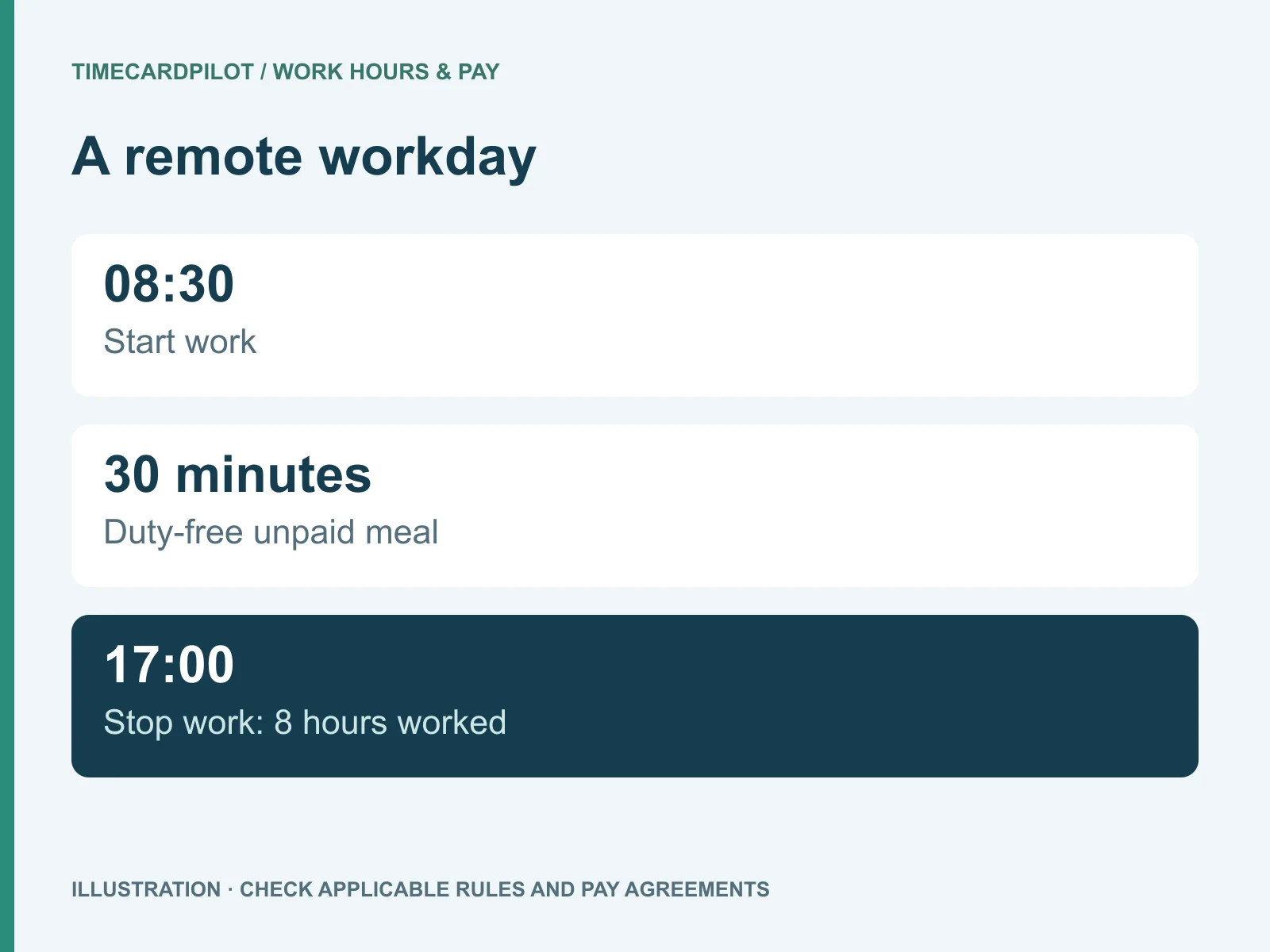
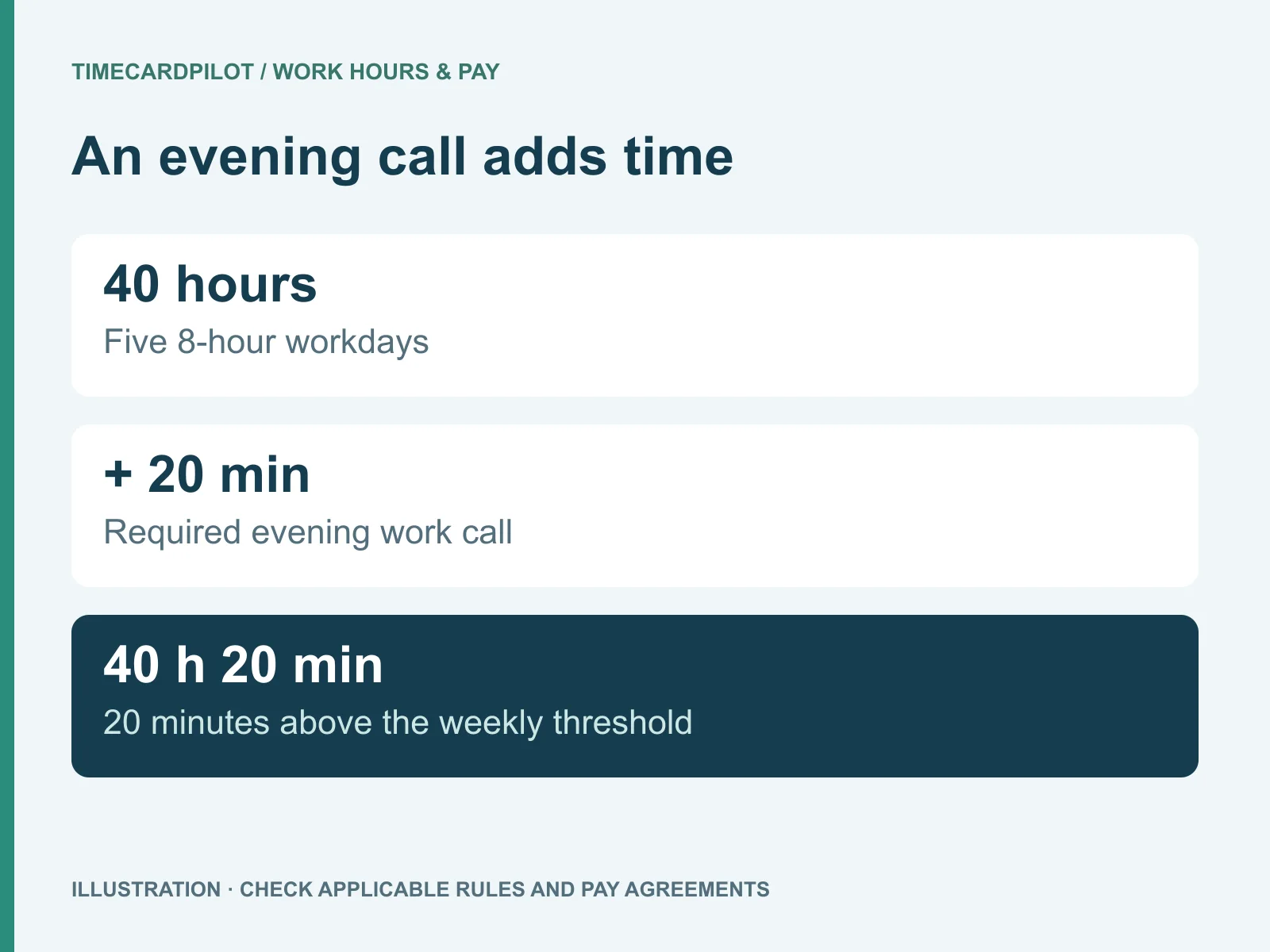
For example, assume a remote employee works 8:30 a.m. to 5 p.m. with a 30-minute duty-free meal on each of five days. That is 40 hours of work for the week. If the employee also spends 20 minutes on a required evening call, the workweek contains 40 hours and 20 minutes of work. For a covered, nonexempt employee under the general federal threshold, the 20 minutes above 40 are overtime hours. This illustration assumes there are no state daily rules, other pay rates, or additional work entries.
Record the actual extra time and submit it through the employer’s stated process. Managers should review reported time and correct the payroll record where needed. The DOL’s 2023 telework bulletin discusses reasonable diligence and reporting procedures; it does not authorize employers to discourage accurate reporting or ignore work they know is taking place.
TimeCardPilot’s off-the-clock work guide explains the general “suffered or permitted” principle. For the fields to check, see how to fill out a timecard and the federal time-record retention overview.
Meal periods, short breaks, and interruptions
Federal law generally does not require meal or rest breaks for adult workers, but when short breaks are offered, breaks of about 5 to 20 minutes are generally counted as work time under DOL guidance. A meal period is generally not work time only if it is bona fide and the employee is completely relieved from duty. A worker who monitors a support queue, answers customer messages, or handles assigned tasks during a supposed unpaid lunch should record the interruption and follow the employer’s correction process.
State and local rules may require meal or rest periods or set different standards. A remote employee should not use a federal summary to decide whether a particular break was lawful under state law. The time record should show what happened; payroll and the employer’s policy determine the appropriate code after the relevant rule is checked.
A practical reporting and review workflow
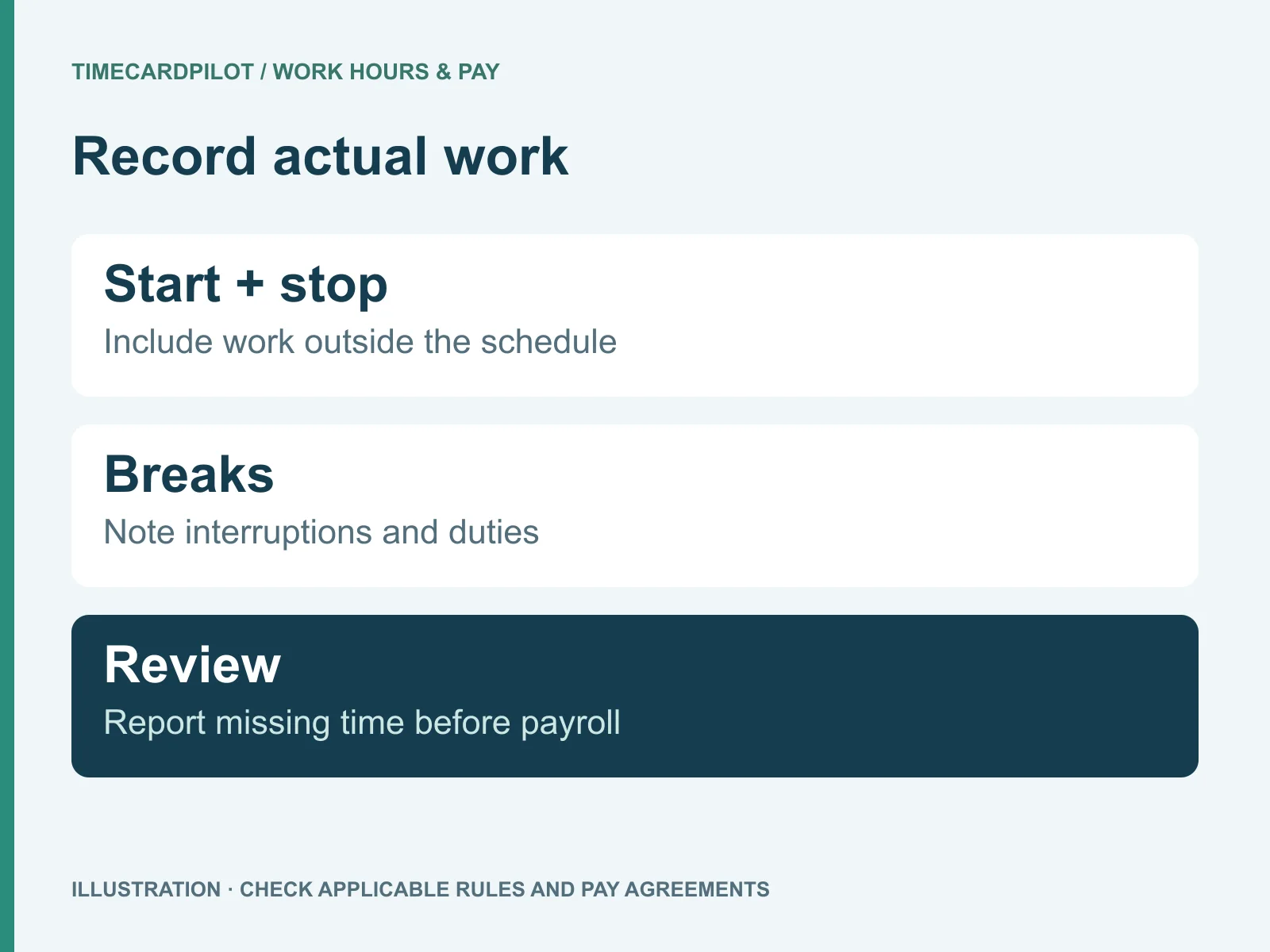
- At the start of work, use the employer’s designated timekeeping method and record the actual start time.
- During the day, record work periods and breaks as they happen. If a break is interrupted by work, note the interruption rather than relying on the planned break duration.
- At the end of the day, confirm that the timesheet includes meetings, required training, work messages that required a response, and any additional task performed after the scheduled stop.
- At the end of the workweek, compare daily entries with the employer’s fixed workweek dates. Flag missing punches or duplicate entries before payroll closes.
- When a pay statement arrives, compare reported hours, overtime, leave, and the covered pay period. Send a dated correction request if the record omits work or uses the wrong break entry.
Employers can set schedules, require advance approval for extra hours, and use reasonable time-reporting procedures. Employees should follow those procedures and report actual work. The DOL’s telework guidance recognizes reporting systems but explains that employers still need reasonable diligence; a policy should not directly or indirectly dissuade workers from reporting time.
Common remote timekeeping mistakes
- Recording only the scheduled shift. Add work actually done before or after it, then let payroll apply the rules.
- Treating every at-home interval as unpaid. A break is not necessarily unpaid if the employee continued working or was not relieved from duty.
- Assuming a short message never counts. Record work-related time instead of deciding on your own that it is too brief to matter.
- Using activity monitoring as the time record. Application activity does not necessarily show when work began, stopped, or included a break.
- Adding two weeks together. Federal overtime is generally checked by fixed workweek, not by the total hours in a biweekly pay period.
Frequently asked questions
Do remote employees have to track their hours?
Covered nonexempt employees’ hours must be recorded accurately under federal recordkeeping rules. The employer may choose a time clock, timesheet, or another complete and accurate method.
Does a work email after clock-out count as work time?
Work performed outside a scheduled shift may be compensable when the employer knows or has reason to know it is being done. Record the time and use the employer’s correction or reporting process.
Can an employer tell remote workers not to report overtime?
An employer may require approval for extra hours, but a no-overtime policy does not remove the obligation to pay for compensable overtime that was worked and allowed. The employer can address a policy violation separately from paying for the work.
Are remote lunch breaks unpaid?
A meal period is generally unpaid under federal guidance only when the employee is completely relieved from duty. If work interrupts the meal, record what happened and check the applicable state rule and employer procedure.
Does the timekeeping app need to monitor my screen?
The FLSA does not require a particular timekeeping form or screen-monitoring method. The employer must maintain a complete and accurate record of covered nonexempt hours.
Last updated: November 23, 2026. Federal information only; state and local rules may differ.